
【Grafana】在Windows上的綠色版本啟用
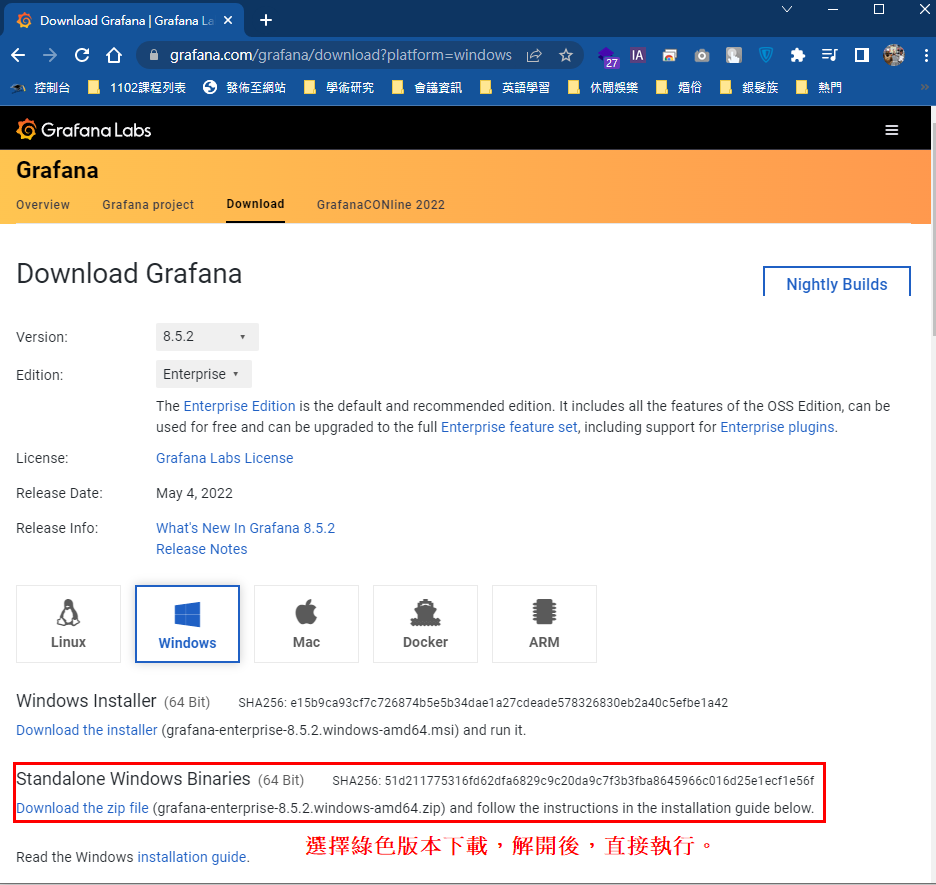
步驟1:下載Grafana
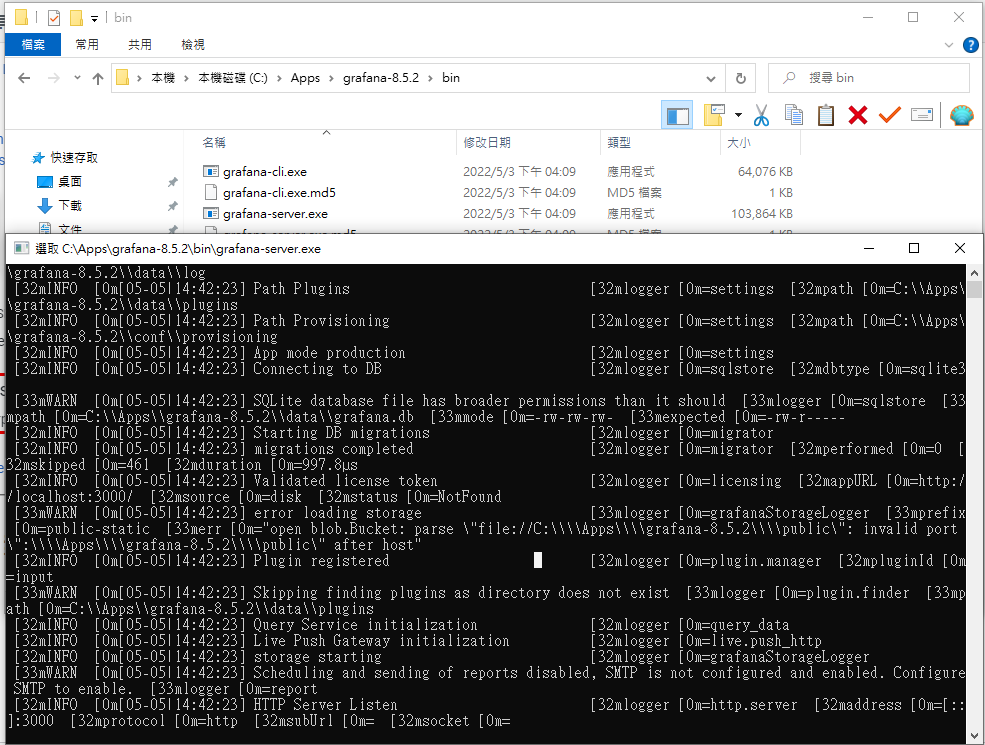
步驟2:解開後,執行bin目錄裏的grafana-server.exe
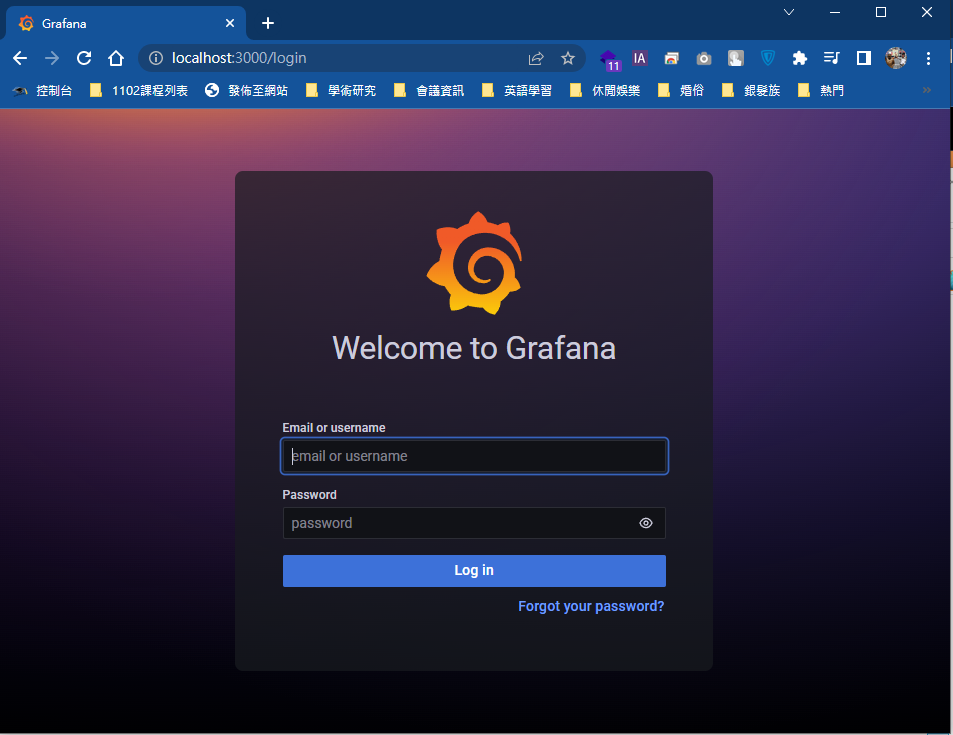
步驟3: 使用瀏覽器,輸入http://localhost:3000,進入Grafana,第一次帳號與密碼皆為admin
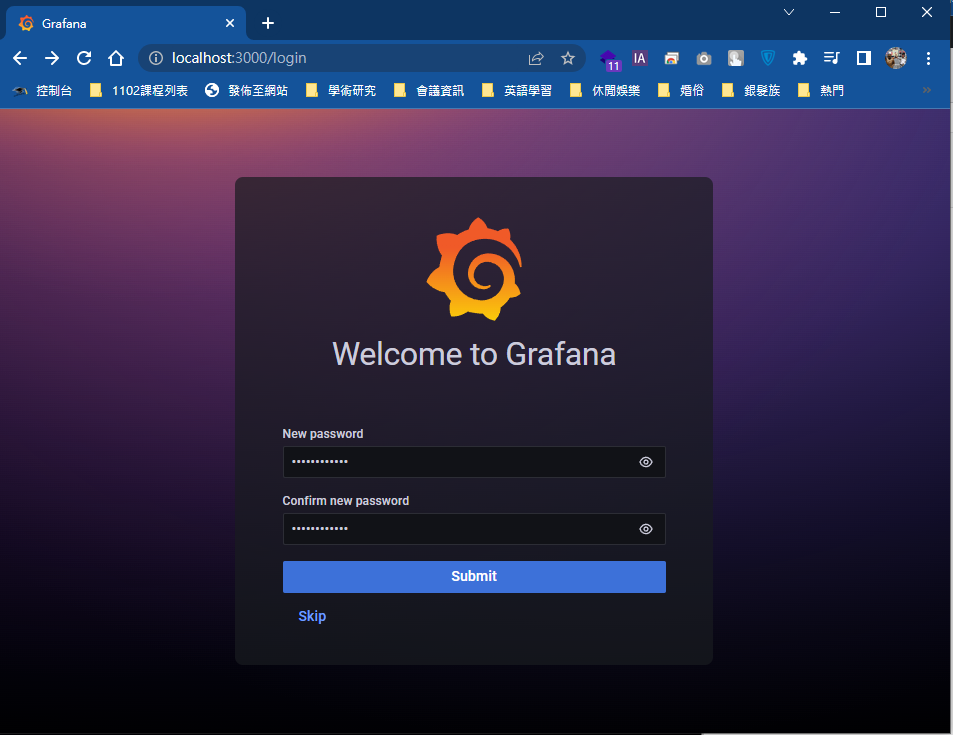
首次登入後會要求設置新密碼:
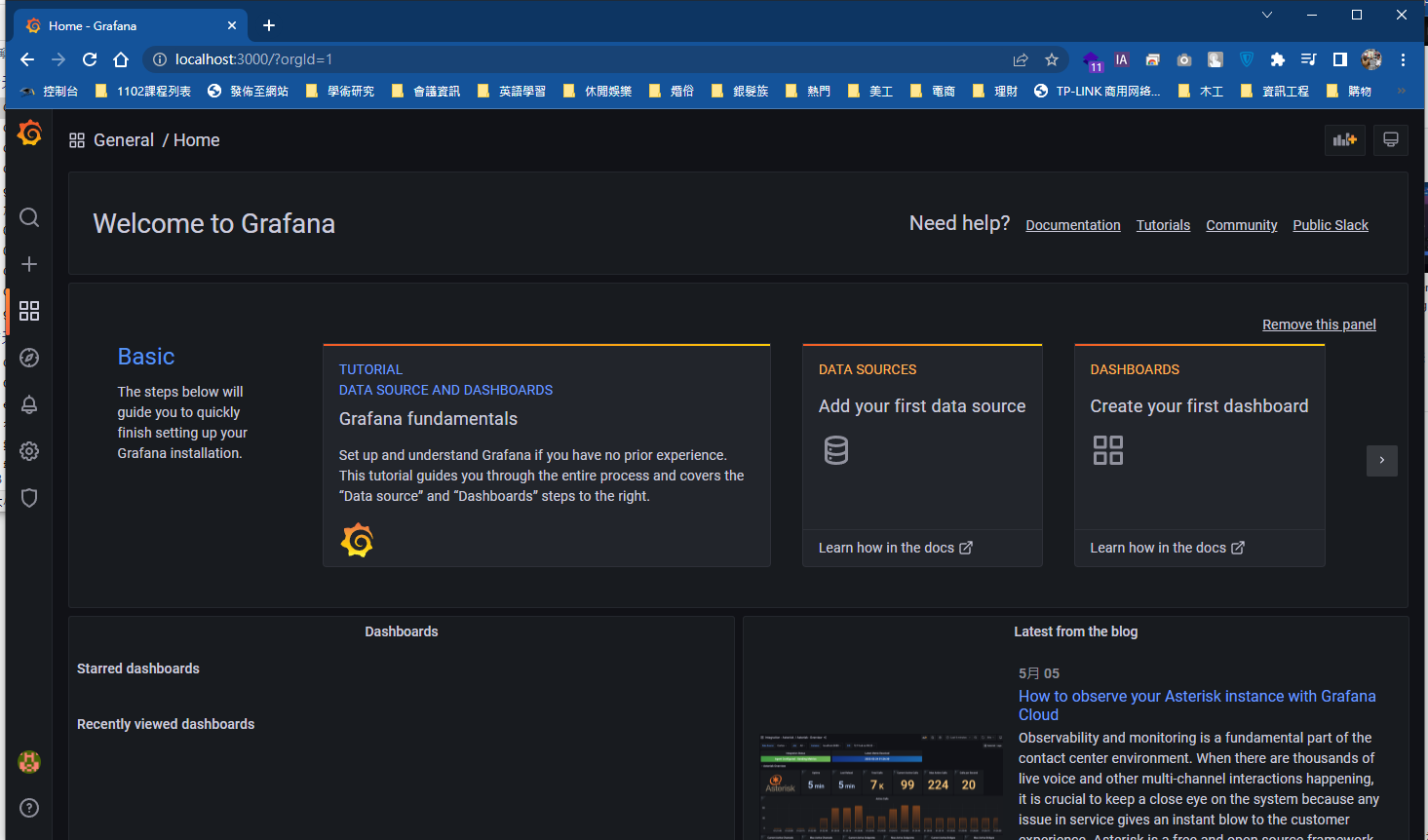
完成後,即進入Grafana的主頁面

You may also like

ESP32 接 LCD 顯示繁體中文
2025 年 3 月 13 日

LED環形流水燈
2023 年 10 月 10 日
【IoT-Grafana】在MySQL匯入測試資料集合
2022 年 5 月 18 日